
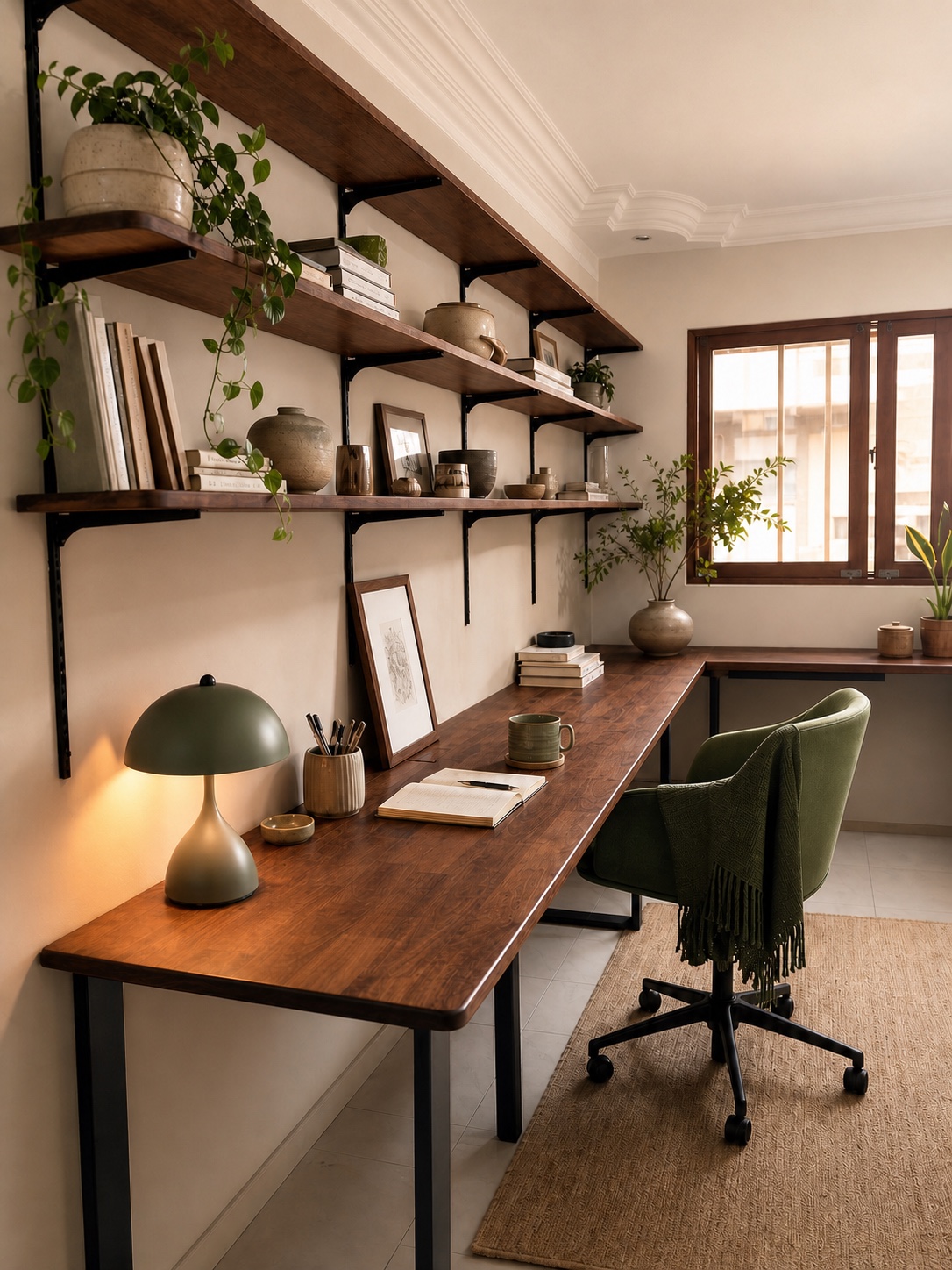
Complete your workspace
Finish the desk around the way you work
Choose storage, cable, power and ergonomic add-ons while we plan your desk—or ask us to check whether an accessory will fit your current setup.
01
Made with your desk
Details shaped or finished as part of the desk build.
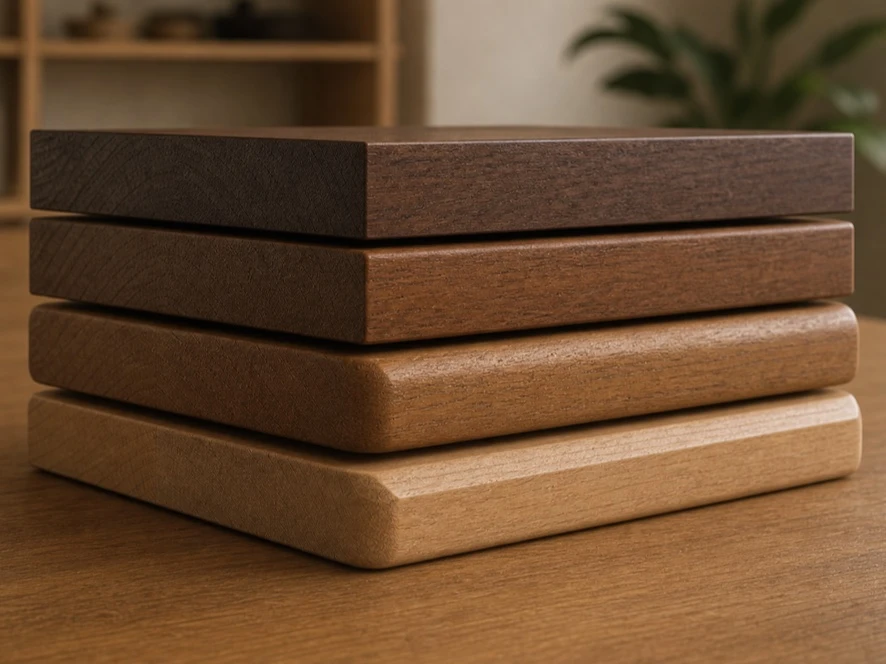
Custom edging & corners
Choose the edge profile and corner radius when we plan your tabletop.
Ask about this ↗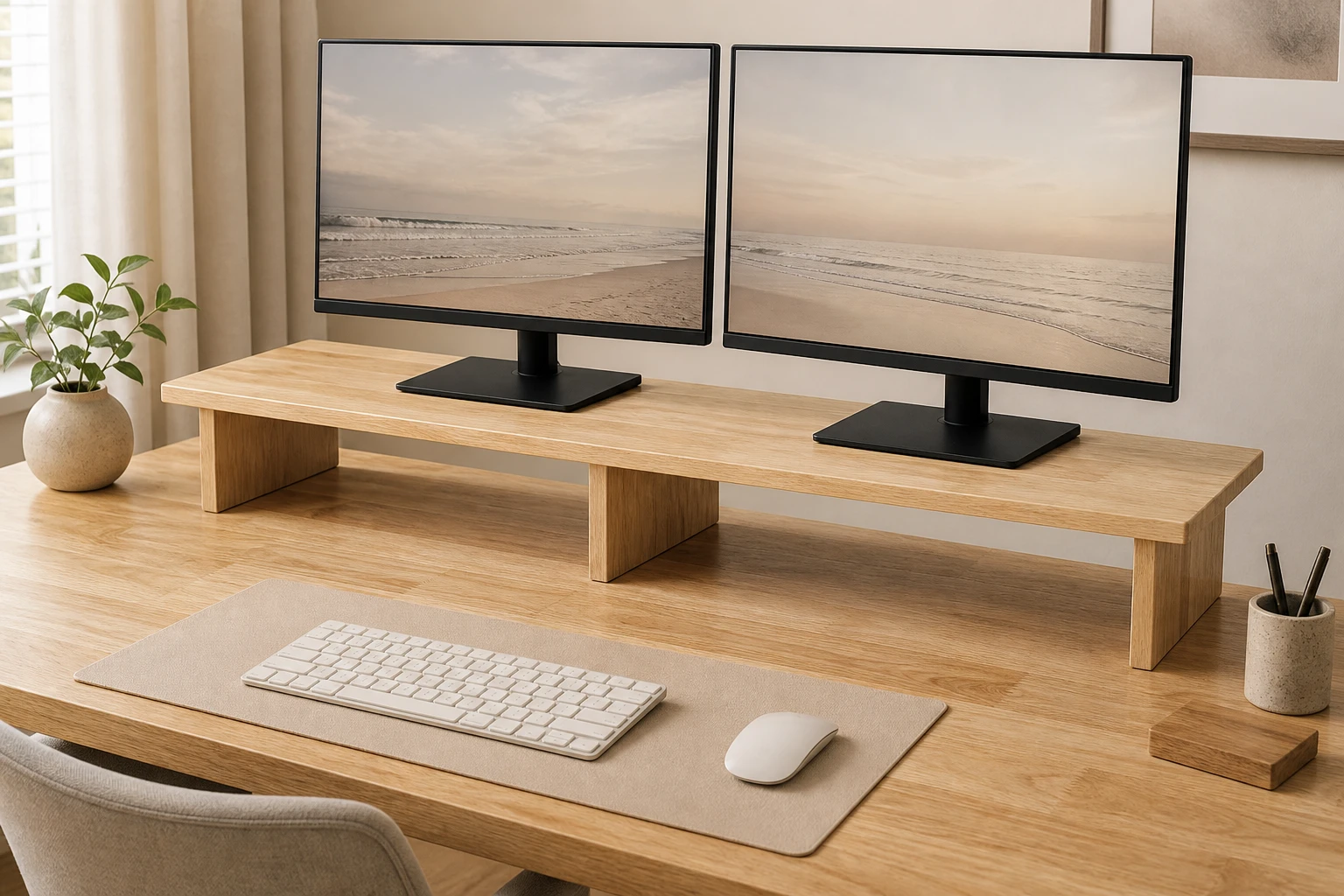
Solid-wood desk riser
Raise a monitor or equipment while keeping useful space beneath it.
Ask about this ↗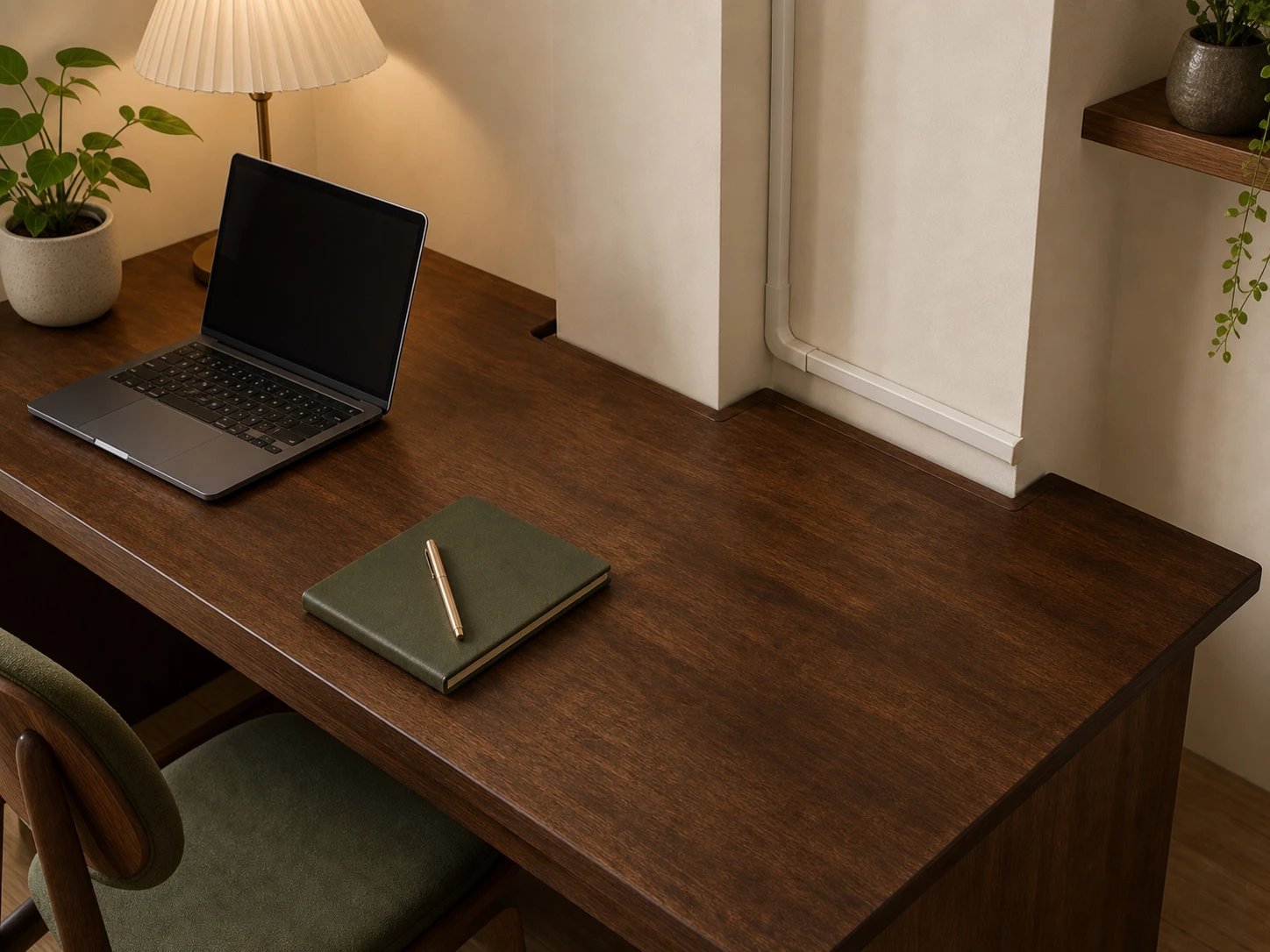
Custom tabletop cut-outs
Shape the tabletop to fit around indents, power routes or uneven walls.
Ask about this ↗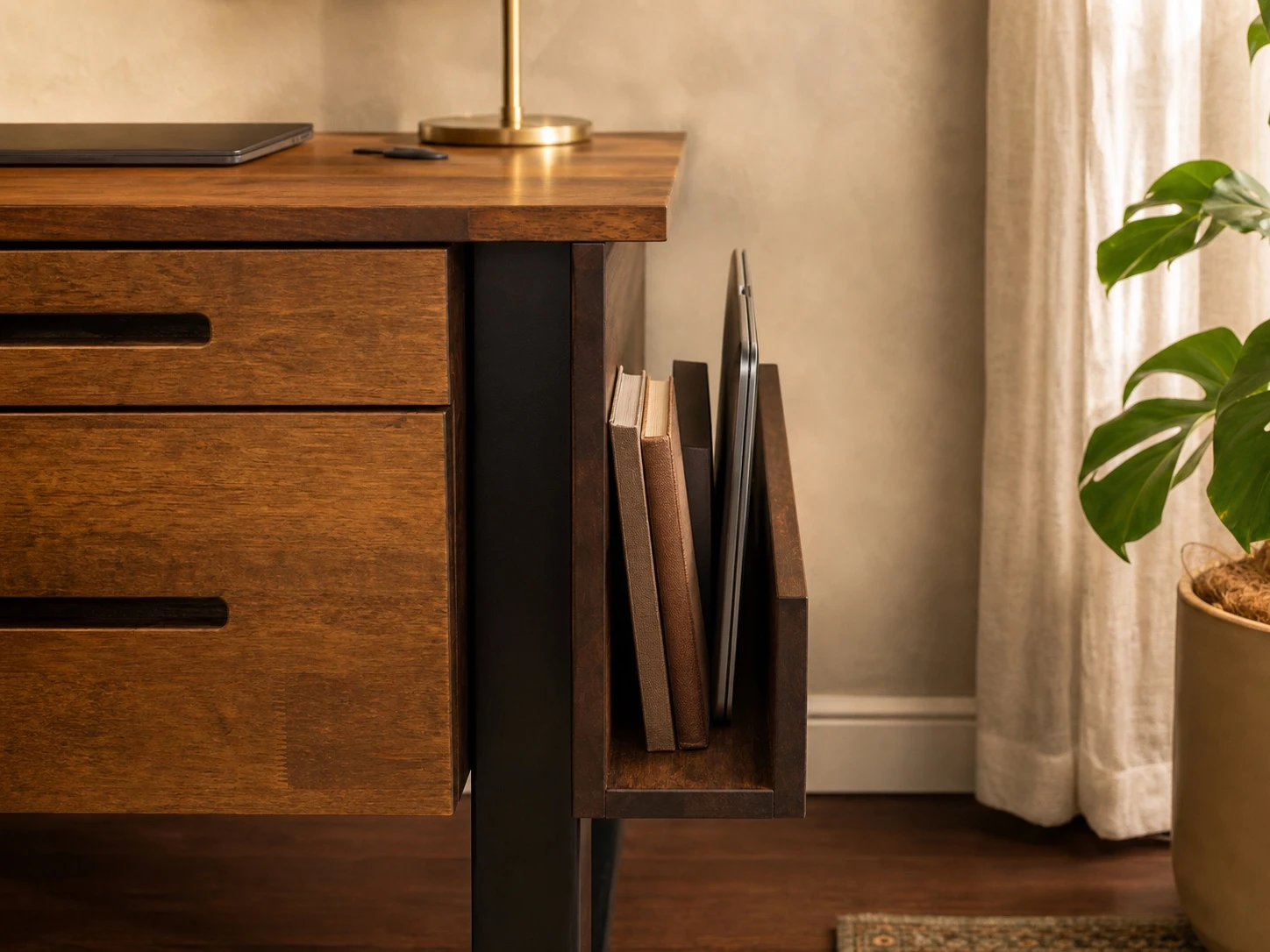
Custom side extension
A solid-wood holder built onto the side of the desk for books, files or a laptop. Tell us what it needs to hold.
Ask about this ↗02
Storage & organisation
Keep useful items nearby without giving up your working surface.
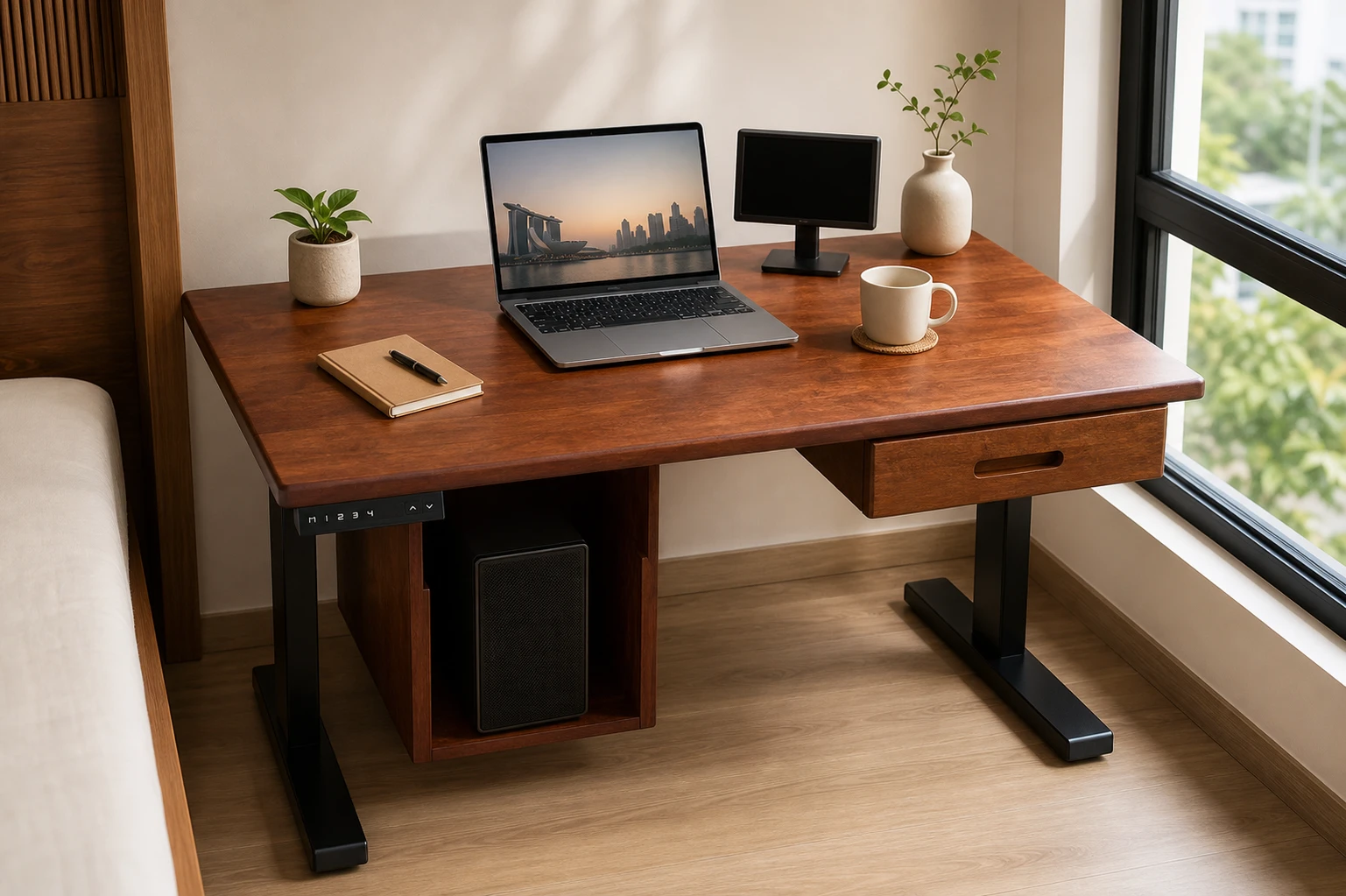
Single under-desk drawer
One matching solid-wood drawer mounted beneath the tabletop for stationery, devices and personal items.
Ask about this ↗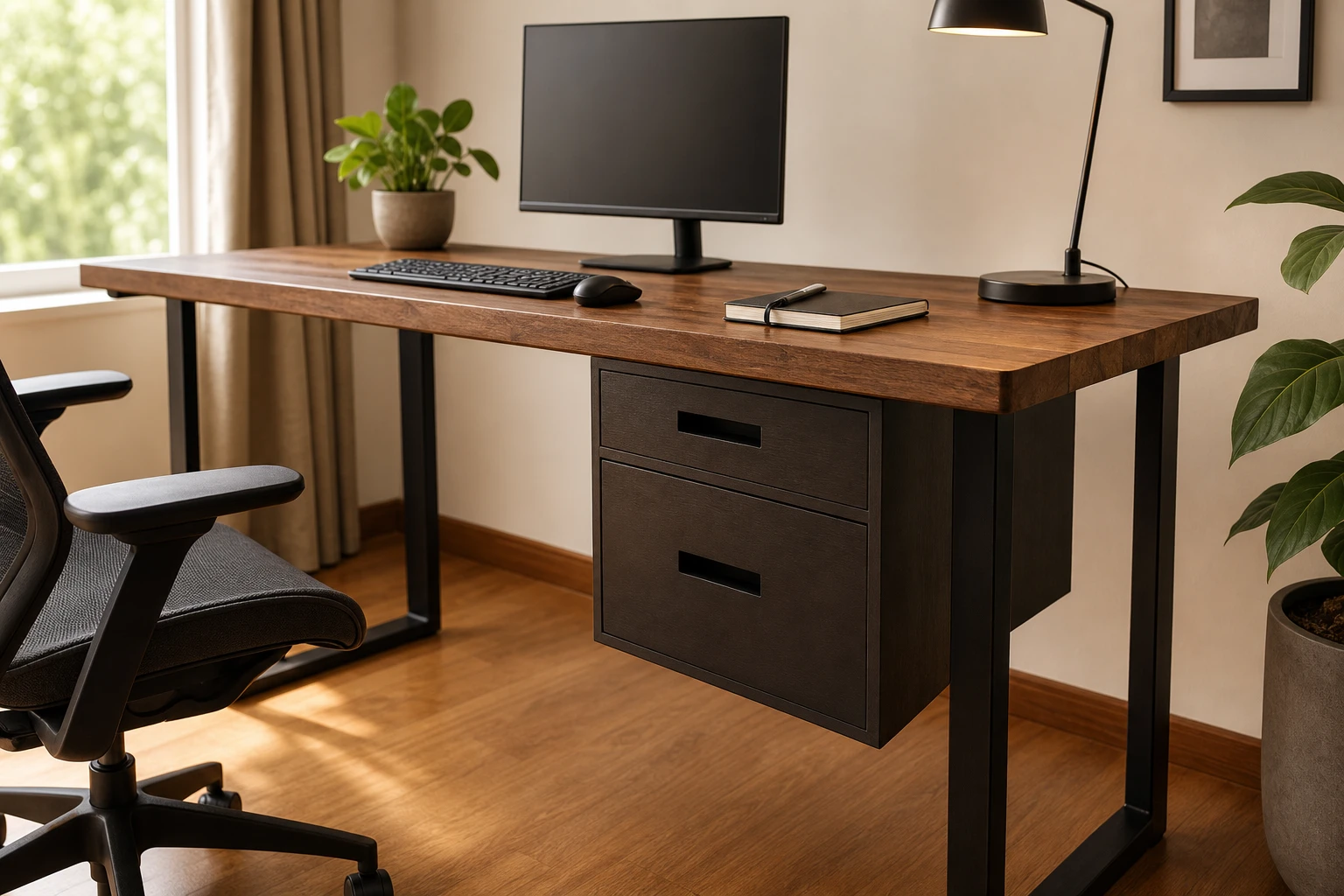
Dual under-desk drawers
Two stacked solid-wood drawers add more storage while keeping the unit suspended above the floor.
Ask about this ↗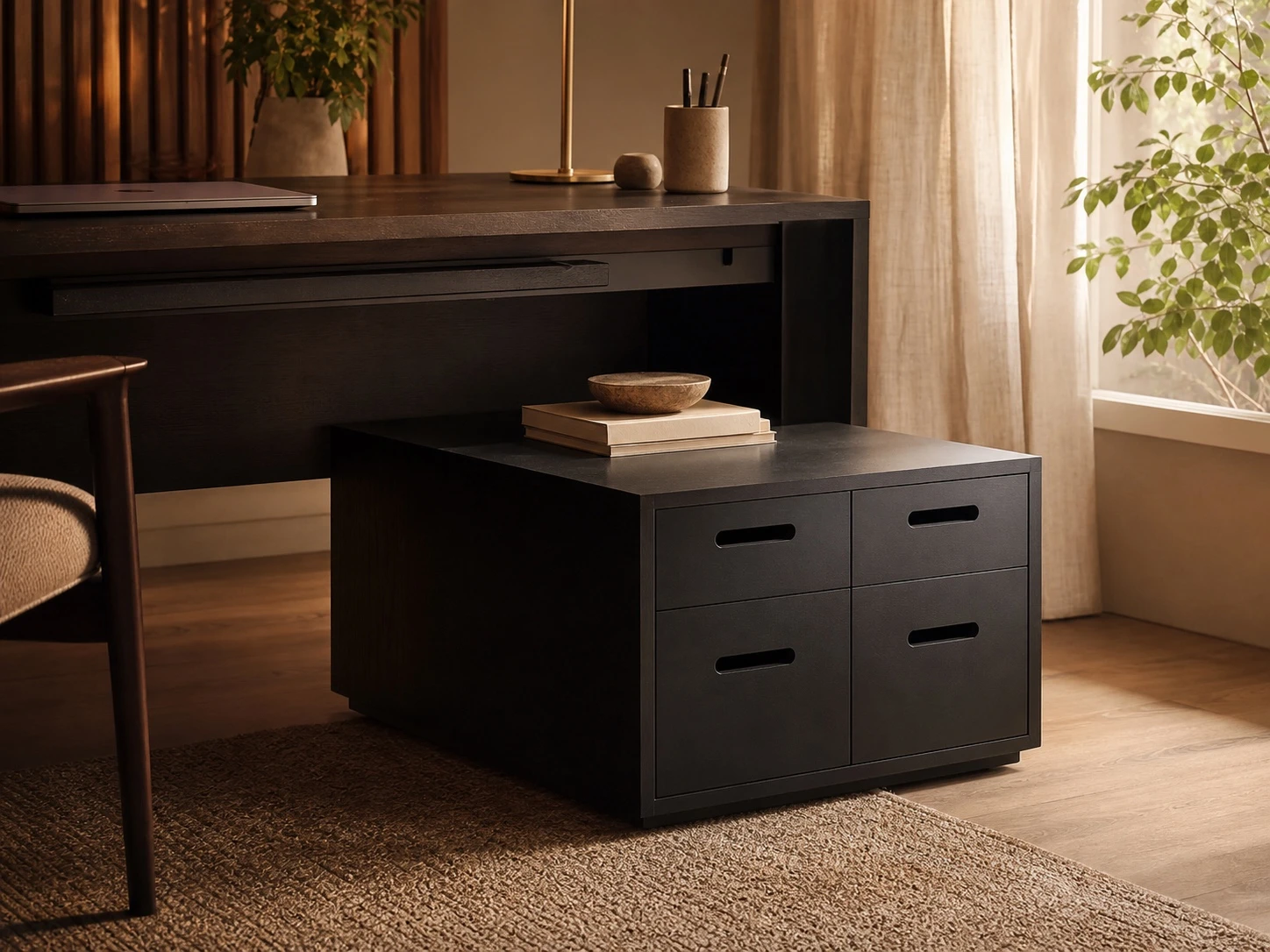
Four-drawer bench & organiser
Four drawers keep everyday items organised, while the low top gives you an extra surface beside the desk.
Ask about this ↗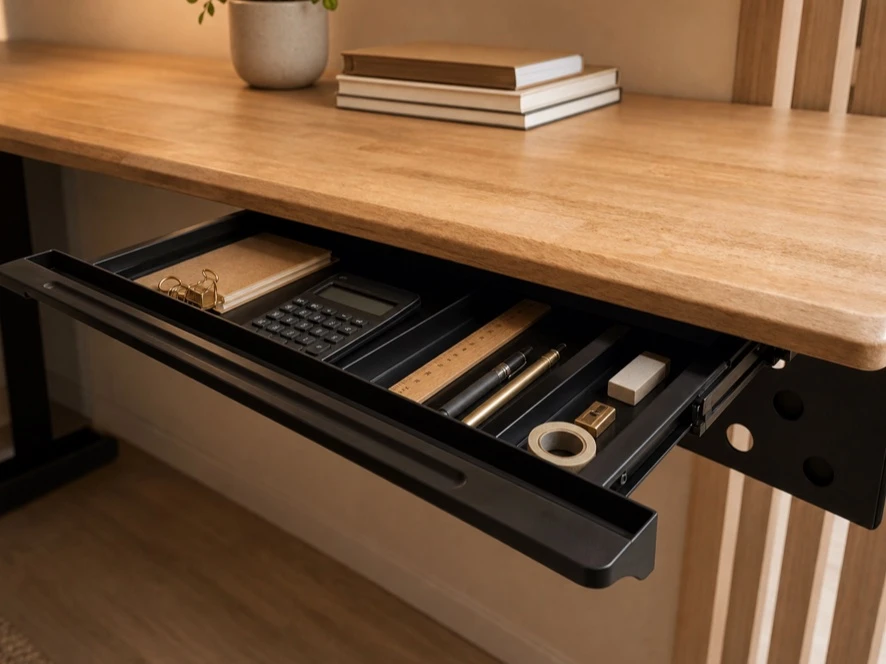
Under-desk stationery tray
Keep frequently used stationery close without occupying the desktop.
Ask about this ↗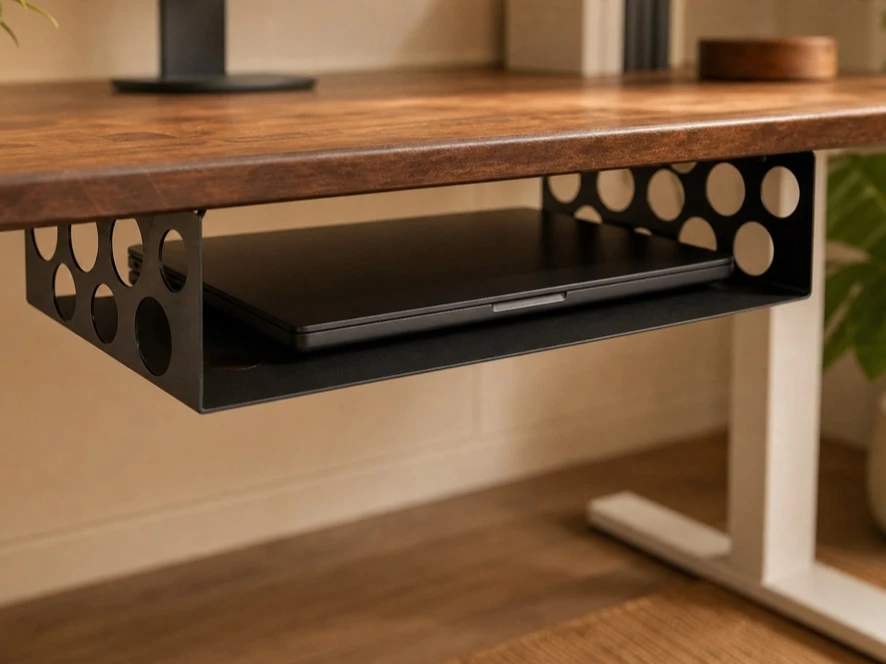
Under-desk laptop tray
Store a laptop below the work surface while keeping it accessible and ventilated.
Ask about this ↗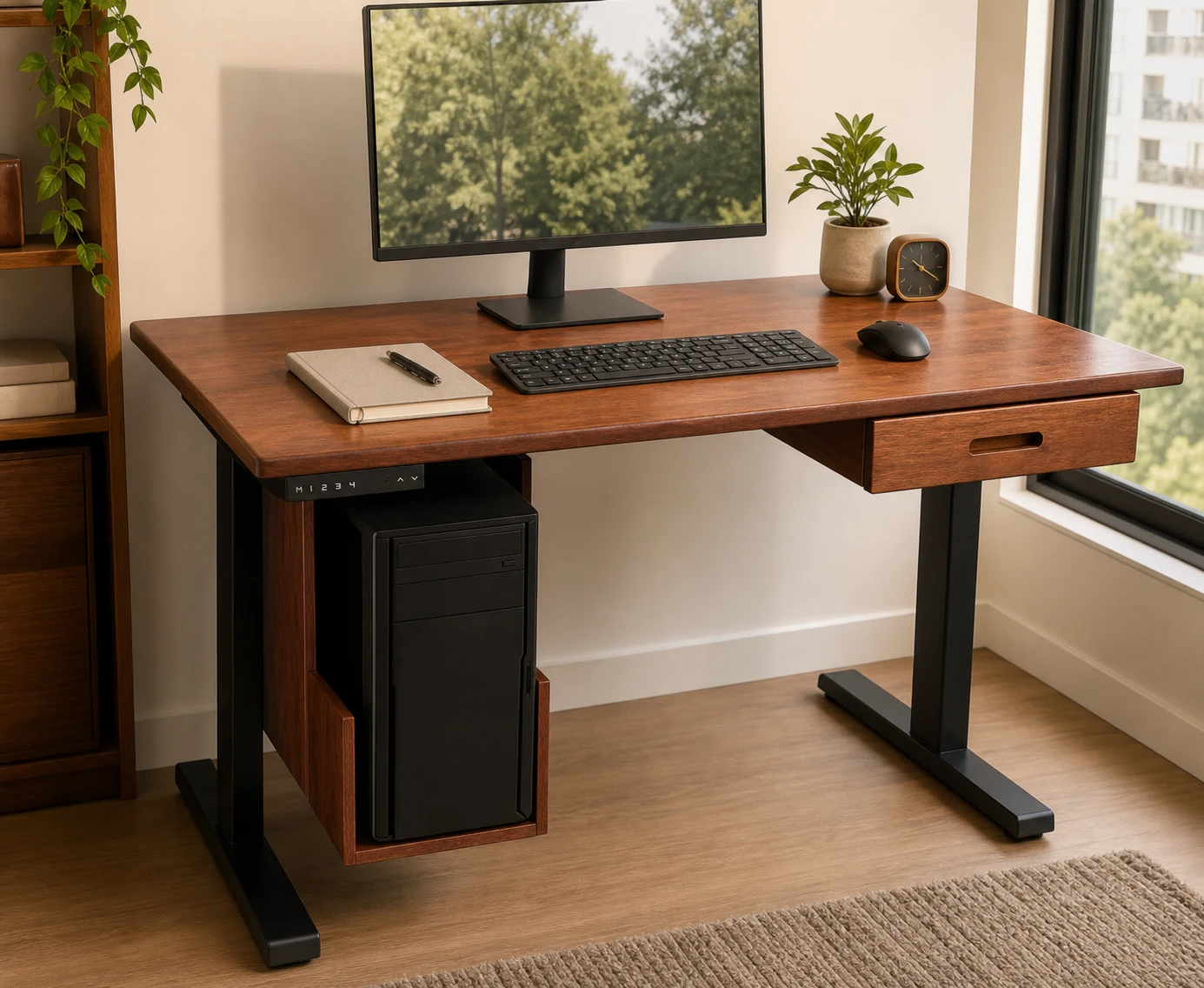
Custom solid-wood computer tower holder
A made-to-size solid-wood holder supports your computer tower beneath the desk and keeps the work surface clear.
Ask about this ↗03
Cable management
Choose how cables pass through the tabletop and stay supported underneath it.
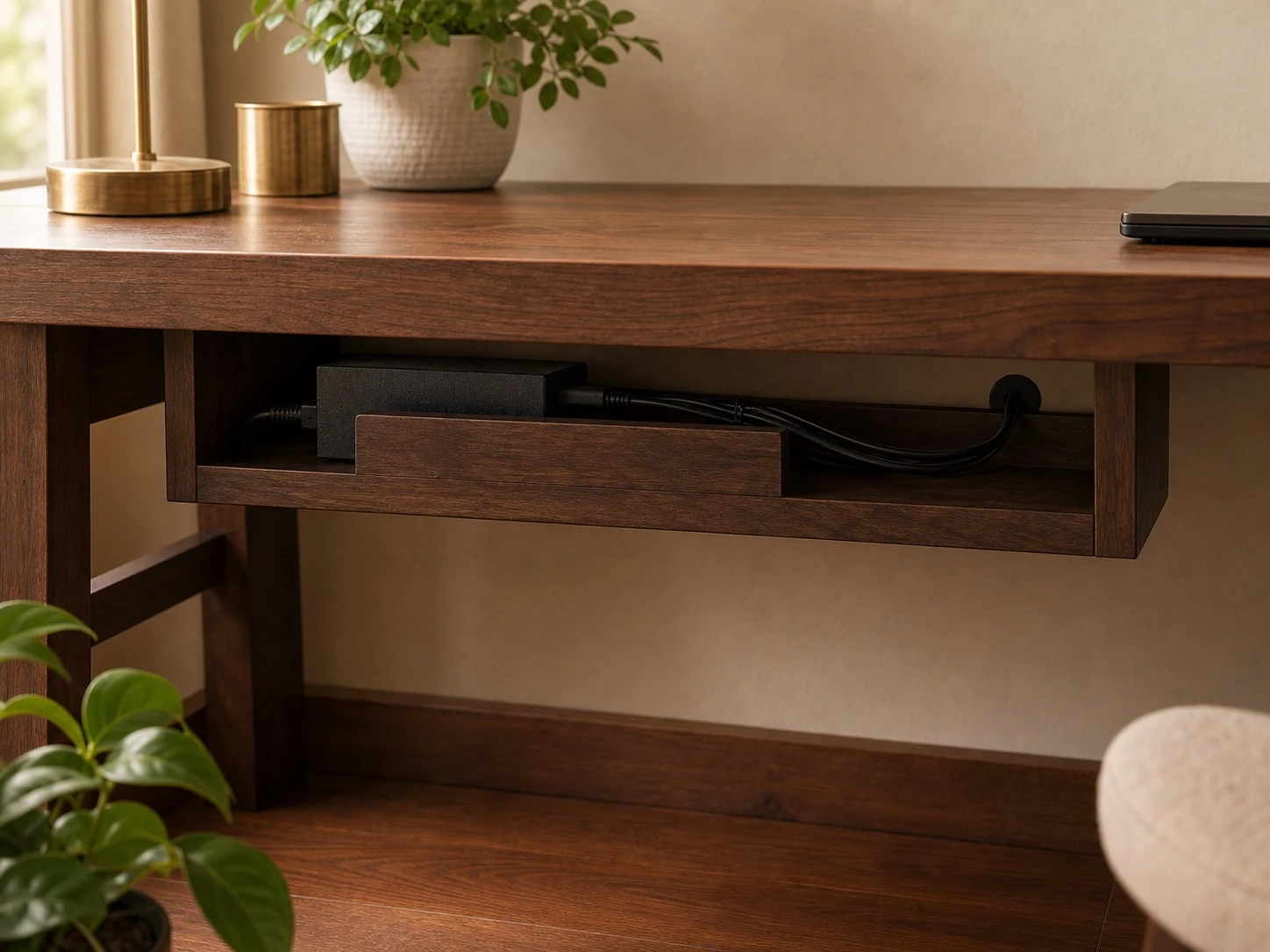
Under-desk cable management bar
Metal and solid-wood options keep adapters and loose cables supported below the work surface.
Ask about this ↗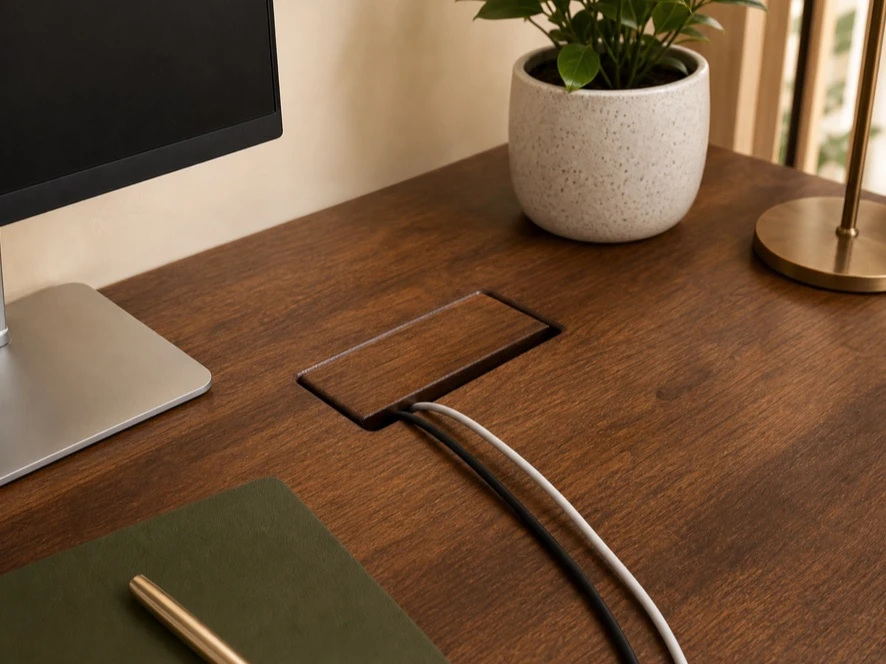
Wooden wire grommet
A popular solid-wood cable opening made to sit neatly within the tabletop.
Ask about this ↗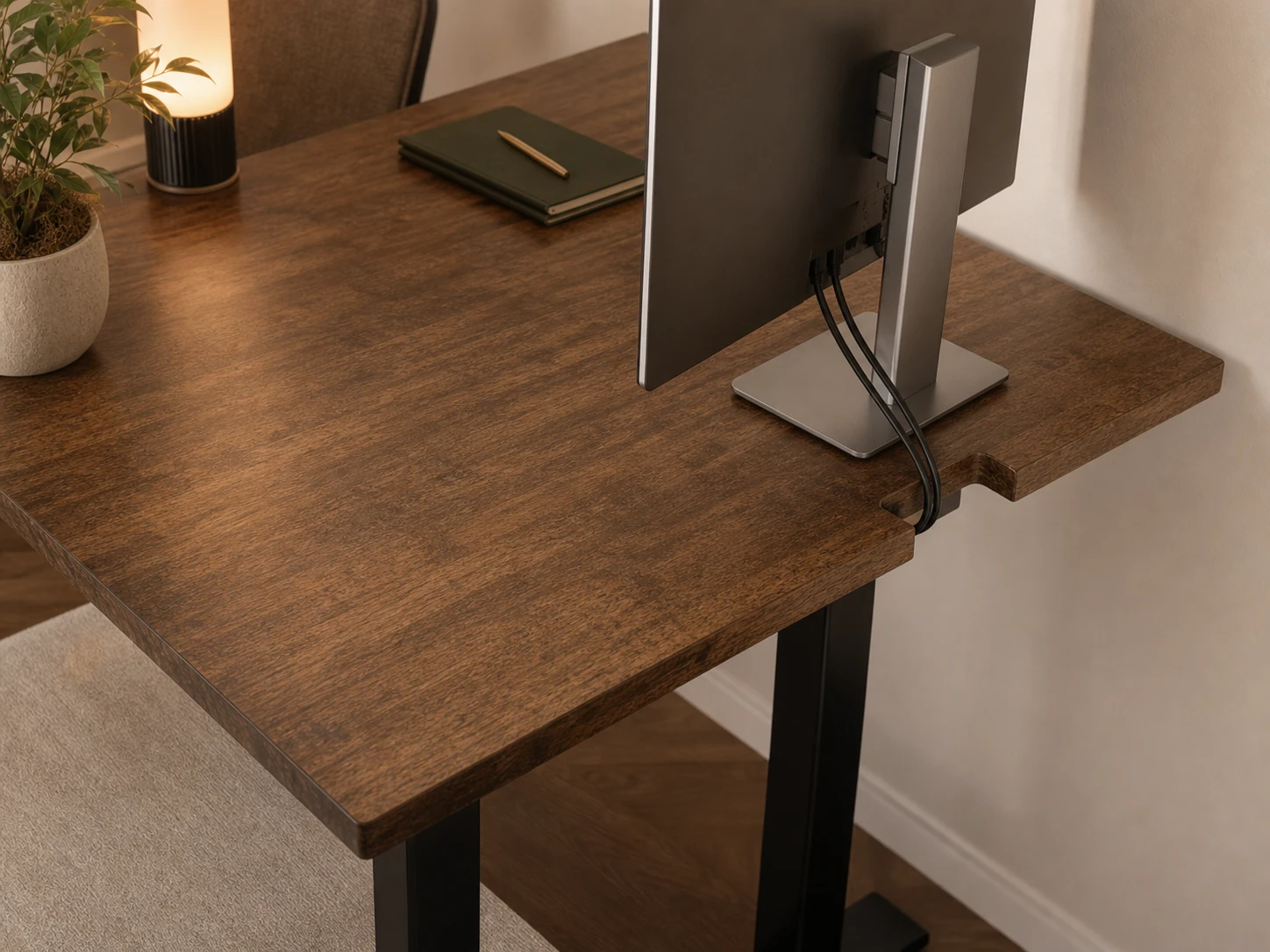
Rear cable cut-out
A rectangular opening at the rear edge lets monitor and power cables pass neatly behind the desk.
Ask about this ↗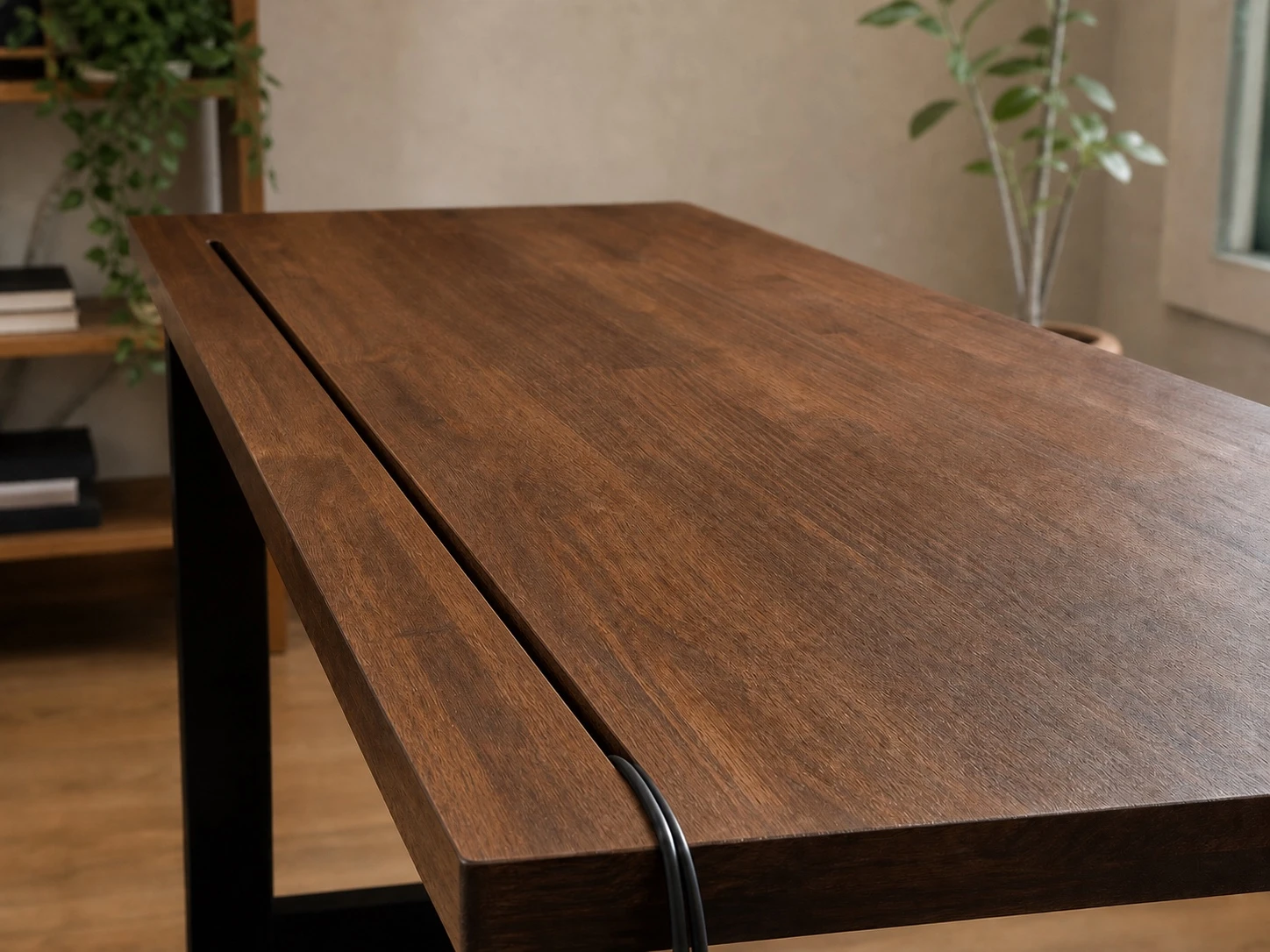
Slit cable cut-out
A 2 cm-deep rear slit gives several cables a discreet route below the tabletop.
Ask about this ↗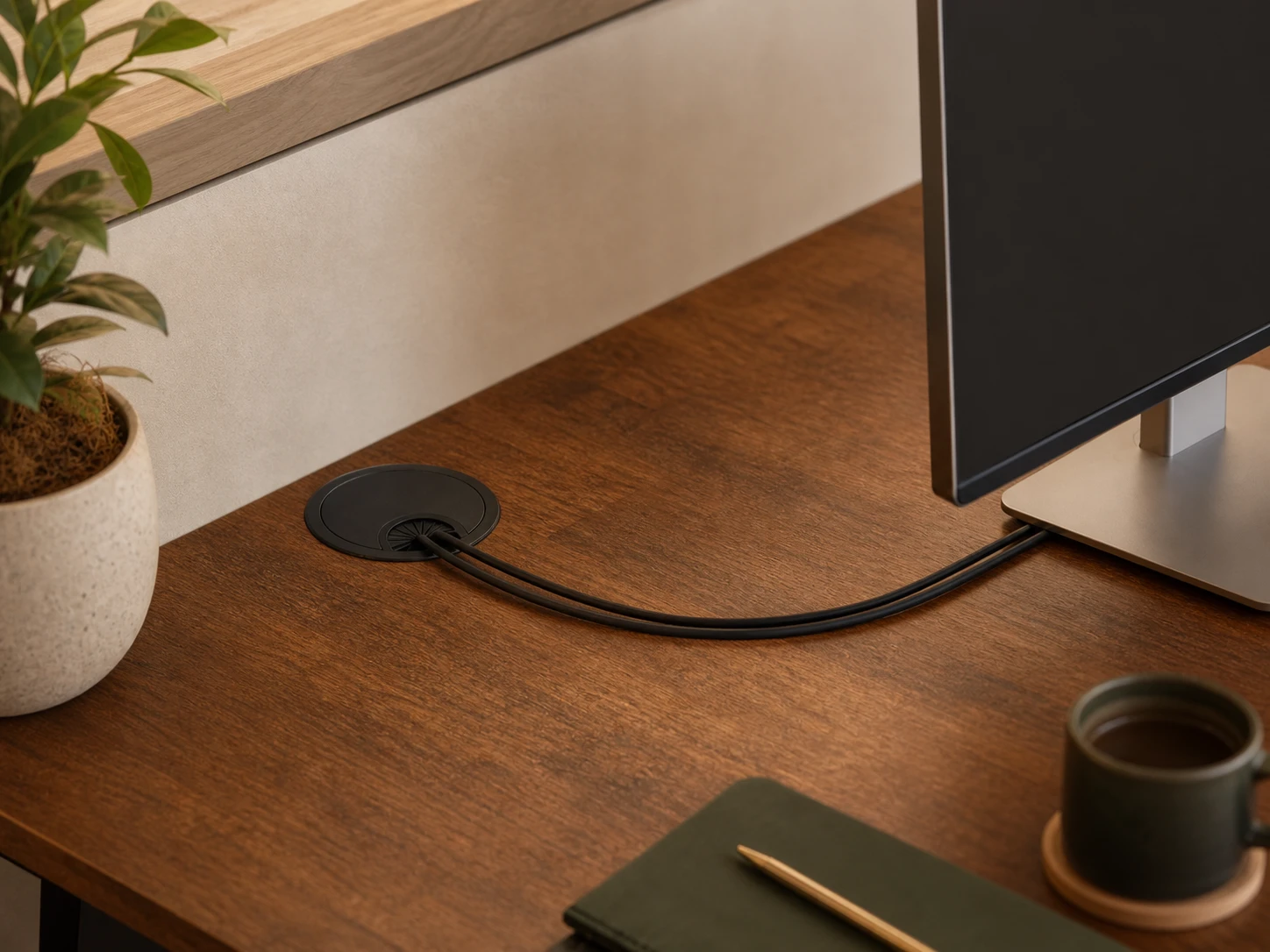
Round black wire grommet
A round black cable access point positioned where your equipment needs it.
Ask about this ↗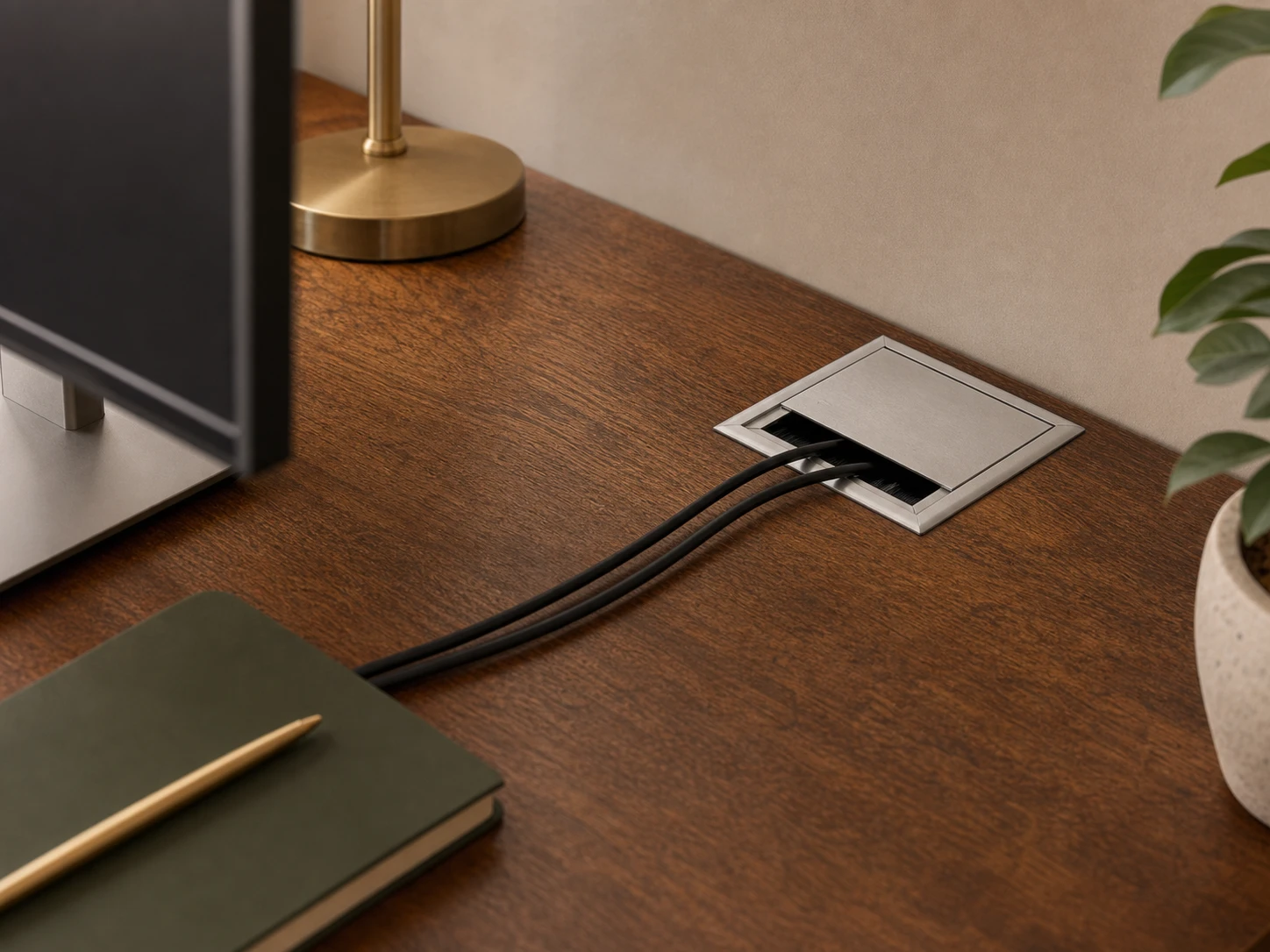
Square silver wire grommet
A brushed-silver cable access point with a sliding cover and cable brush.
Ask about this ↗04
Cable & power
Plan convenient power and charging access around the equipment you use.
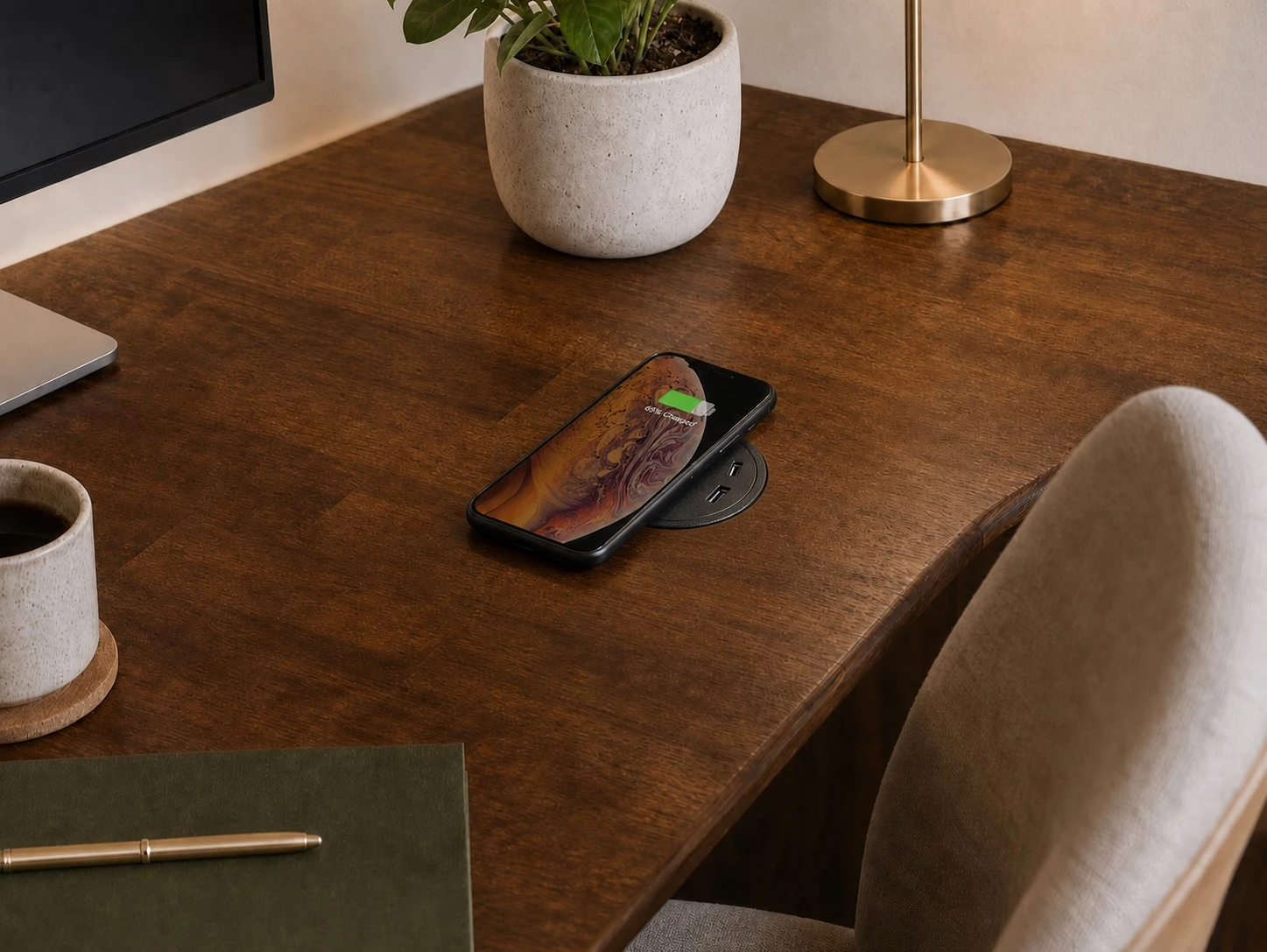
Wireless charging & USB grommet
Bring charging access into the work surface without adding another loose desktop hub.
Ask about this ↗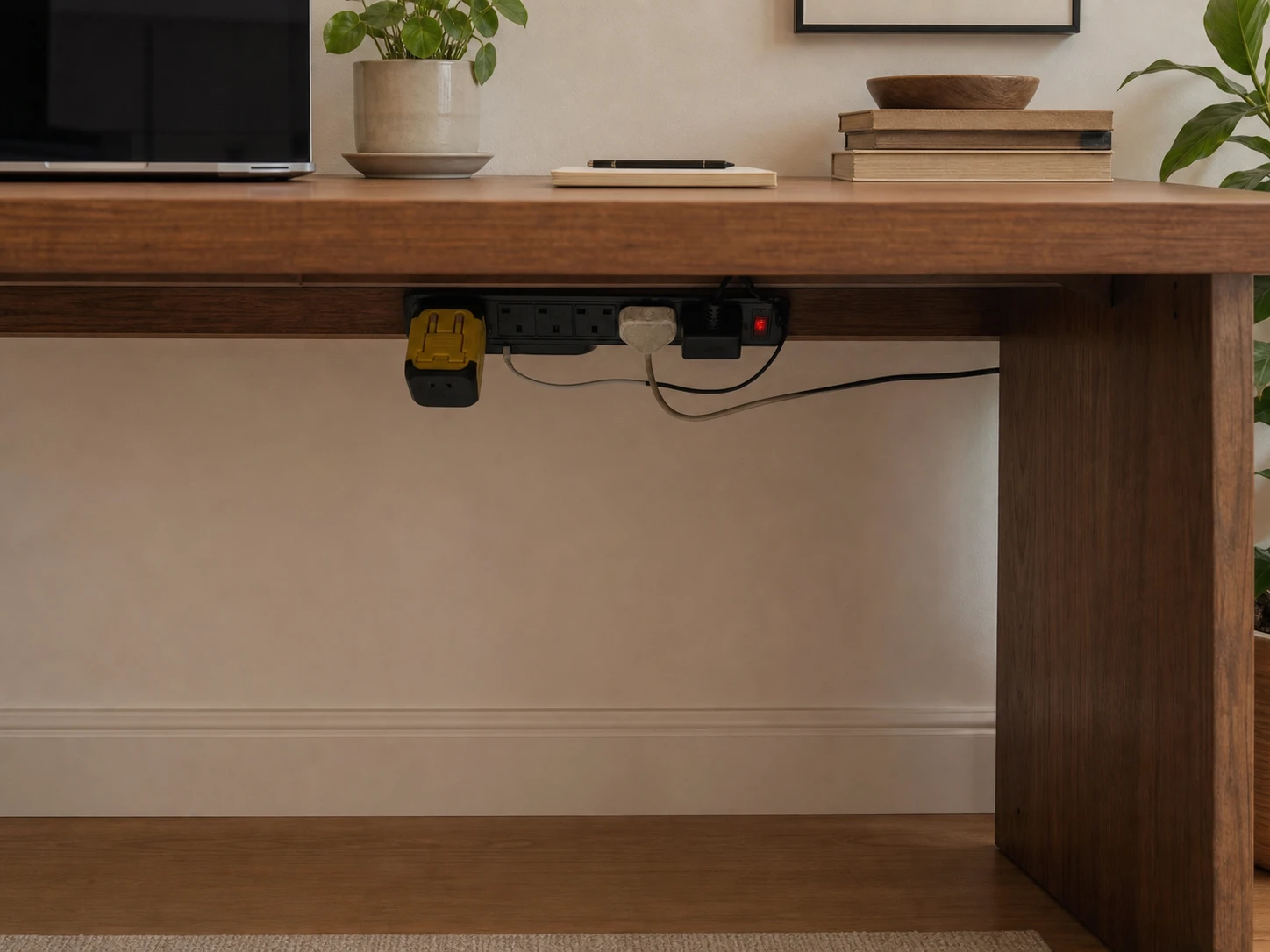
4-socket, 4-USB power bar
A compact power hub for setups with fewer plugs and charging devices.
Ask about this ↗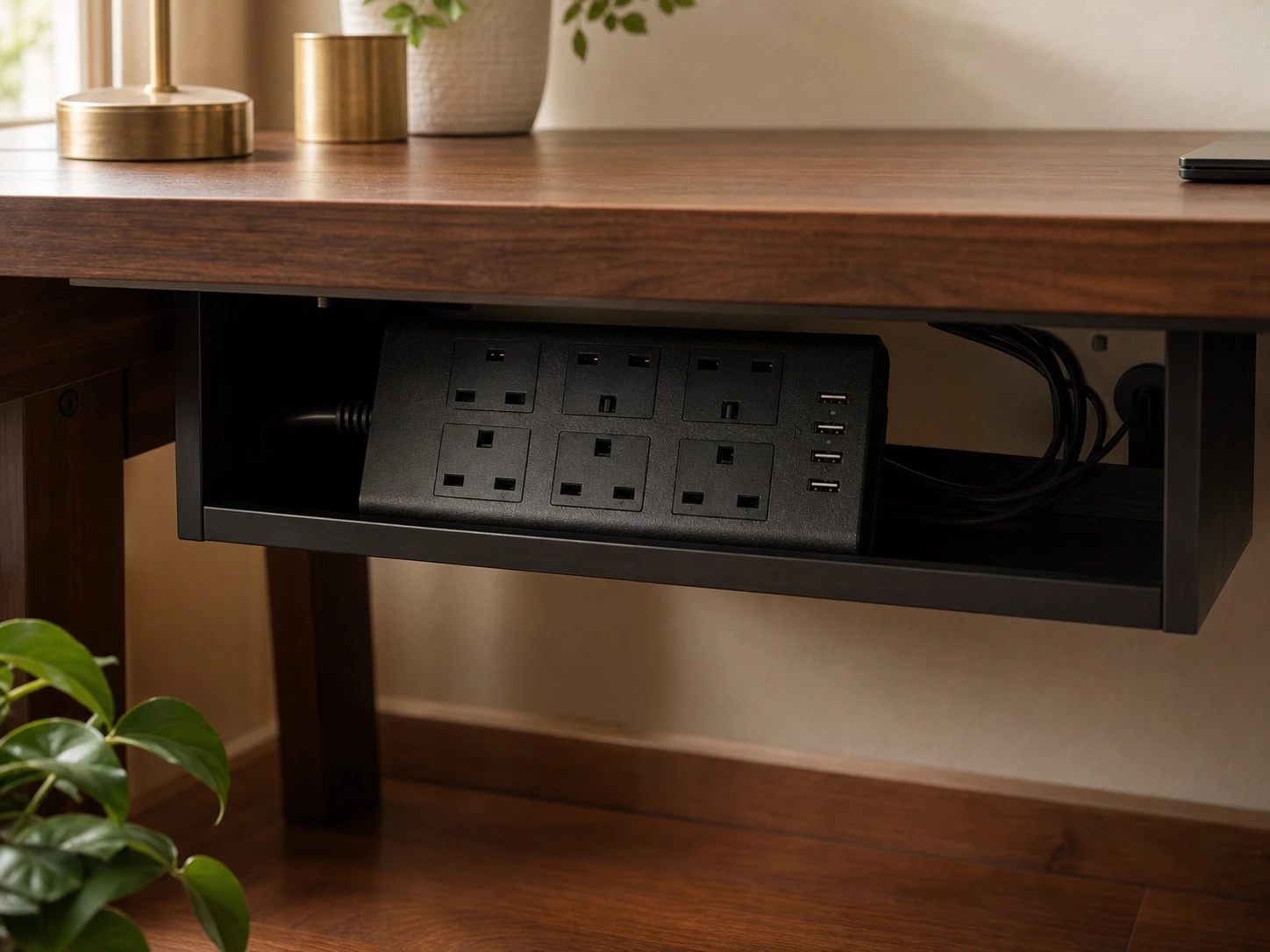
6-socket, 4-USB power bar
More socket capacity for multi-device, studio or larger workstation setups.
Ask about this ↗05
Mobility & ergonomics
Add movement or screen support after we confirm the frame and mounting fit.
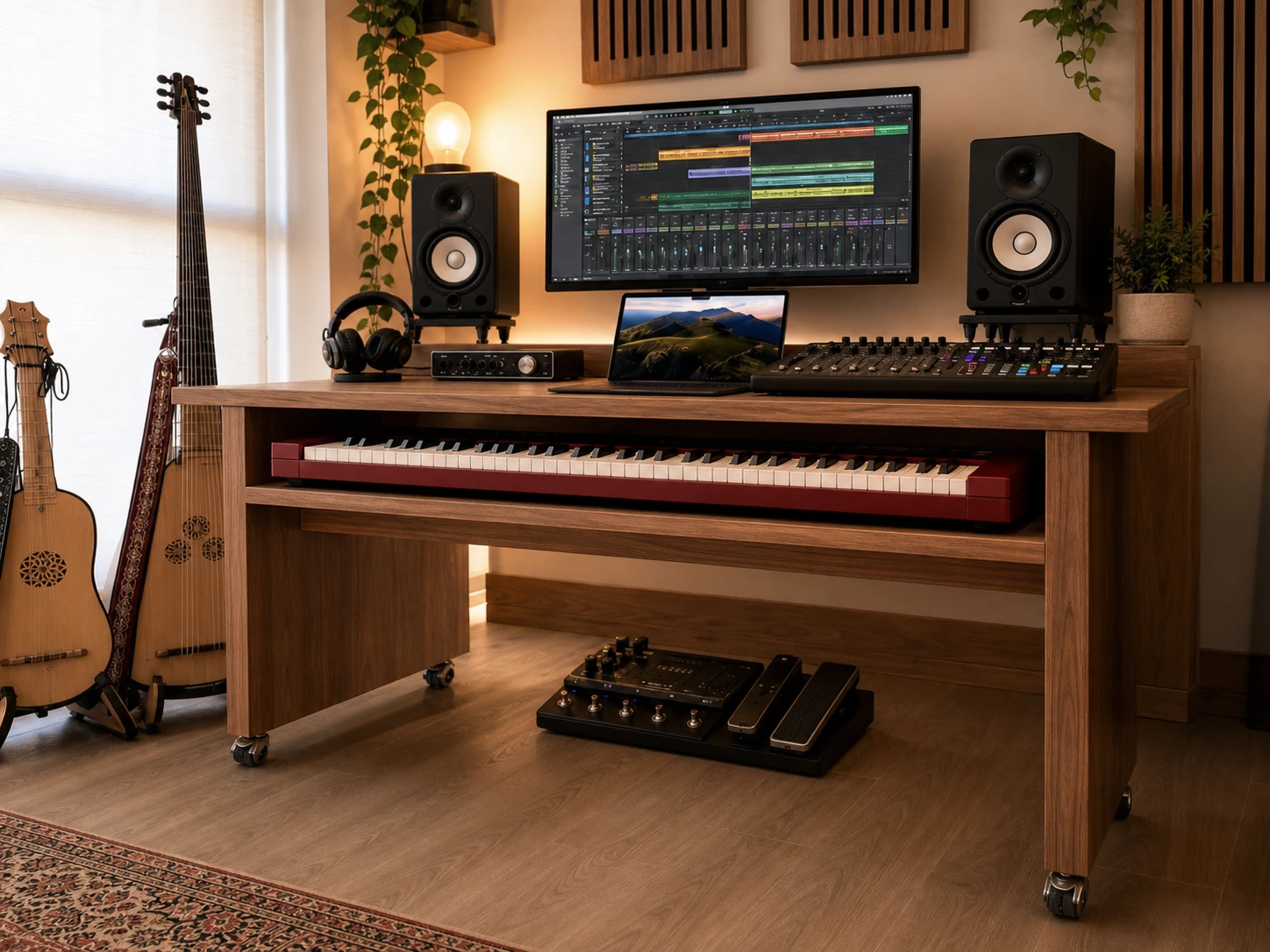
Lockable wheels & casters
Add controlled mobility where the desk and frame are suitable for casters.
Ask about this ↗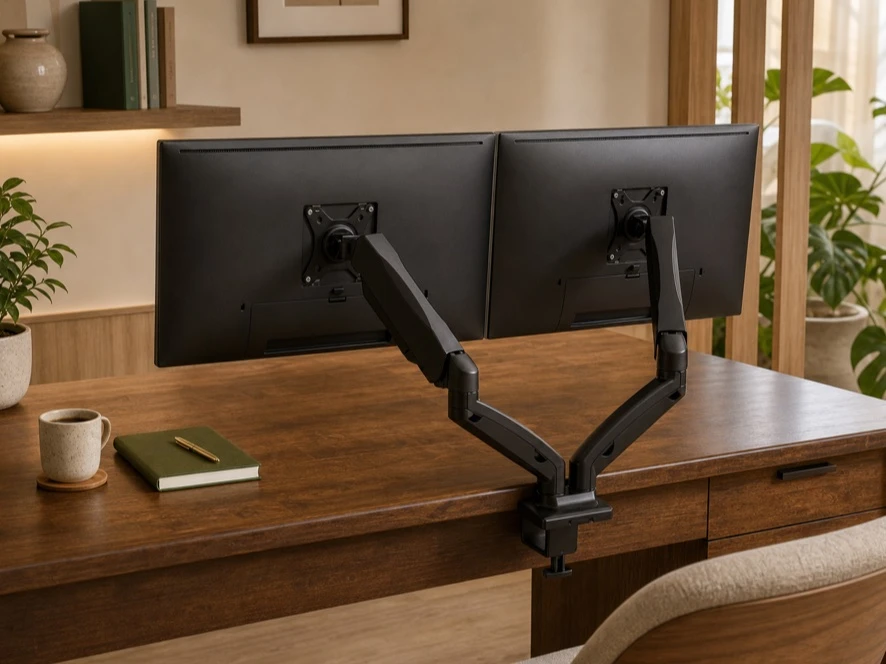
Adjustable monitor arm
Choose a single or dual monitor arm. We’ll check that the mount fits your monitor and tabletop.
Ask about this ↗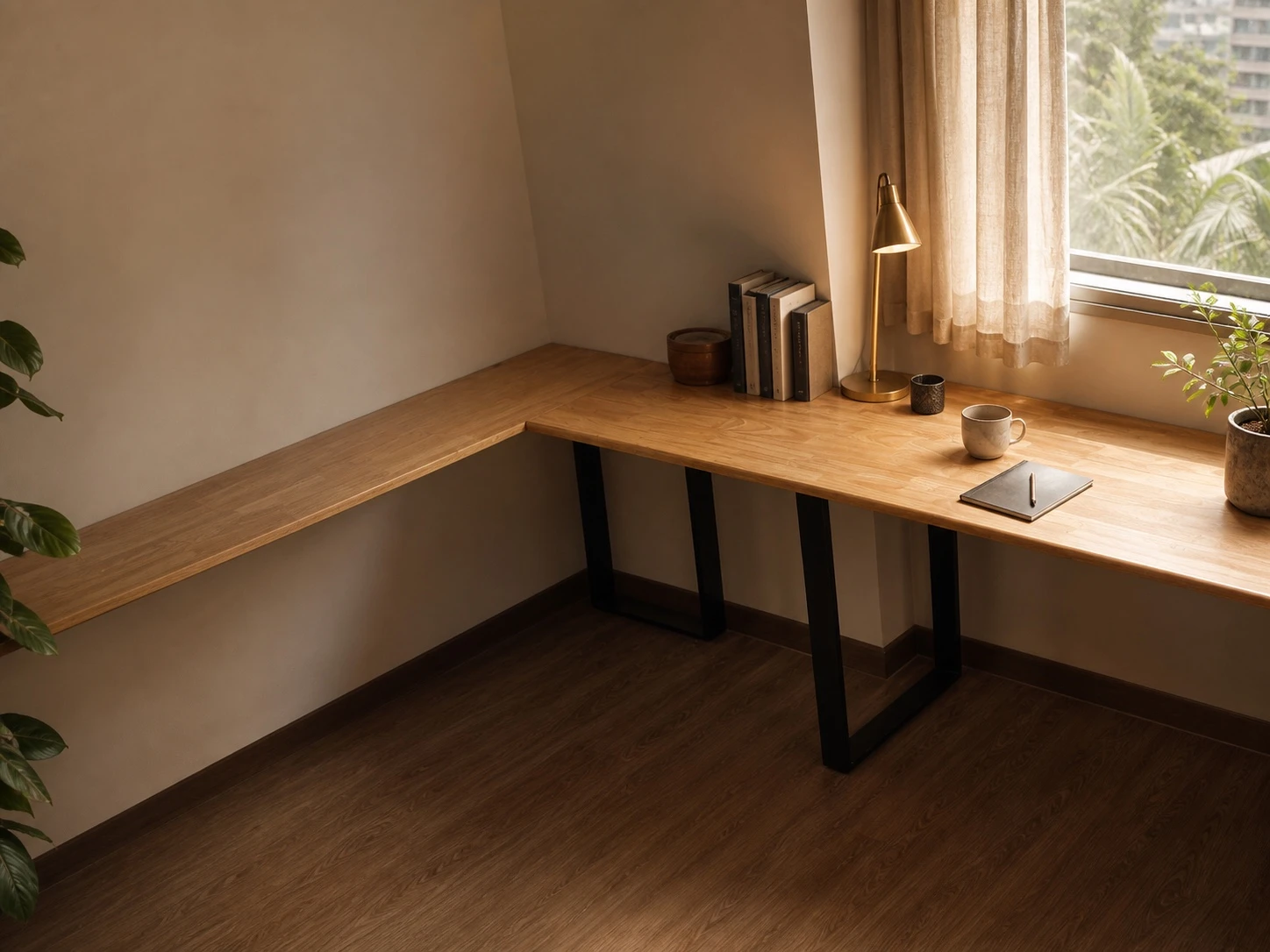
Compatibility first
We will check the fit before adding it
Send your desk dimensions, tabletop thickness, frame model and a photo of the underside. For a new custom desk, we can plan compatible accessories into the drawing from the start.